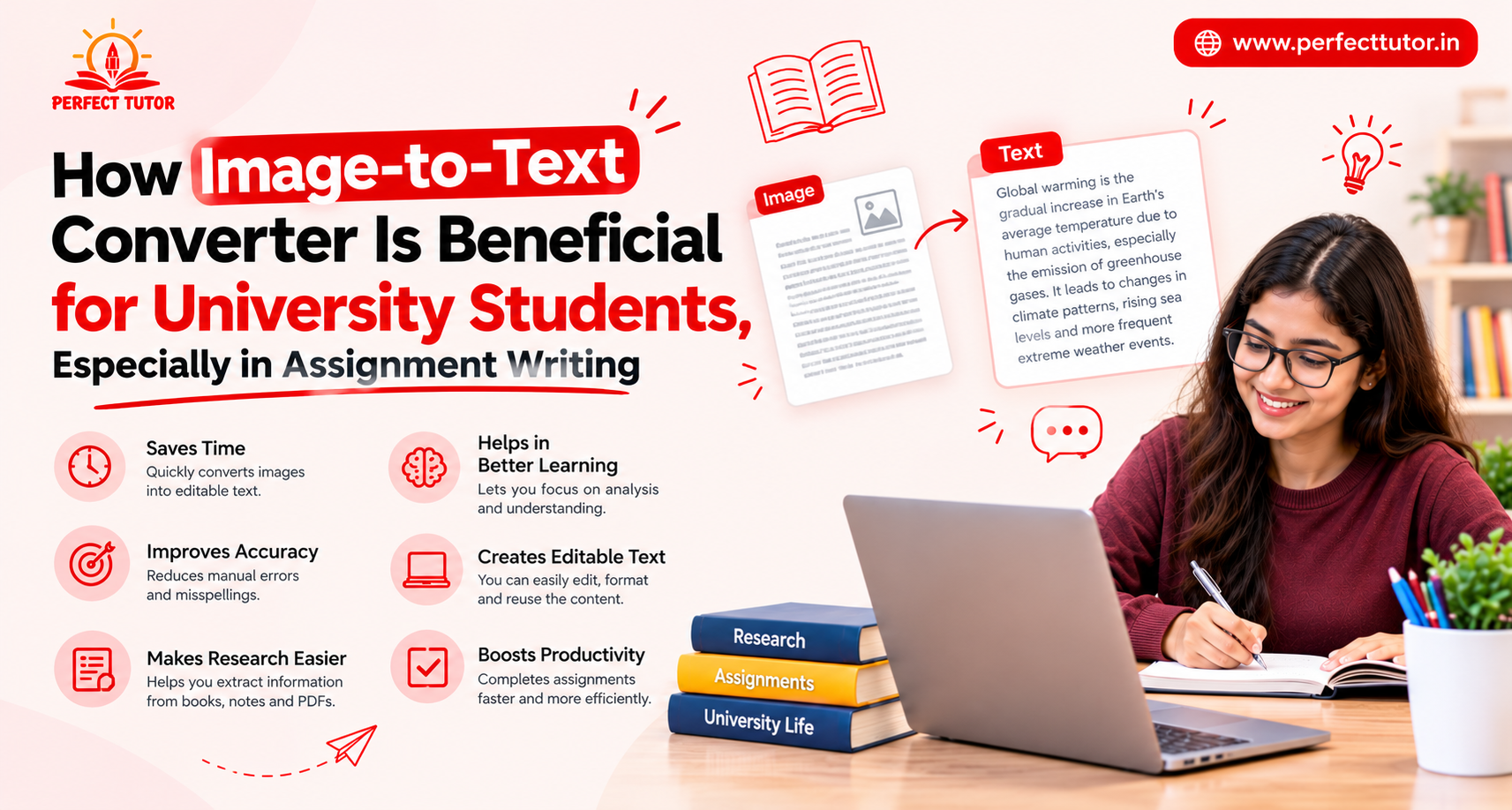
How Image-to-Text Converter Is Beneficial for University Students, Especially in Assignment Writing
University life comes with a constant flow of assignments, research projects, lecture notes, and reference materials.
Students are expected to collect information from multiple sources, organize it, and present well-structured assignments within strict deadlines.
Access to digital resources has made research easier. However, many valuable study materials are still available only in printed books, handwritten notes, or images shared by professors and classmates.
This is where OCR-based tools, such as image-to-text converters, are useful. As the name suggests, these tools can extract text from images and convert it into an editable form.
Students can use it to quickly digitize their notes and book excerpts instead of typing them by hand. This makes the assignment-writing process faster and more efficient.
This article covers some of the biggest benefits of image-to-text converters for students, especially for assignment writing.
How Do Students Benefit from Image-to-Text Converters?
Saves Valuable Time
One of the biggest challenges students face is managing their time. Assignments often require extensive reading, note-taking, and referencing. Manually retyping information from textbook pages or lecture slides can consume hours.
But with an image-to-text converter, the whole thing may take at most a few minutes.
An image to text converter facilitates the process by extracting text from images within seconds. Students can spend less time copying content. They can use that extra time to understand concepts, conduct research, and improve the quality of their assignments.
Makes Research More Efficient
University assignments rely heavily on credible research. Students frequently collect information from library books, journals, newspapers, and presentation slides. Many of these resources may not be available in an editable format.
So, how do students incorporate them into their notes? Well, by converting images into text, students can easily extract and organize the research material.
Once the materials have been consolidated in a digital file, students can do things like:
- highlight important sections,
- search for keywords without repeatedly scanning
- Create topic webs and clusters to see how they relate to each other.
This creates a smoother and more productive research workflow.
Helps Organize Lecture Notes
Many students capture lecture slides or whiteboard notes using their smartphones. Although these images are useful, searching through hundreds of photos during assignment preparation can be frustrating.
To avoid or reduce that frustration, students can use an OCR converter to make the content of those images editable.
Converting those images into editable text allows students to categorize notes by subject, edit important points, and combine information from different lectures into a single document. This improves accessibility and makes revision much easier.
Reduces Manual Writing/Typing Errors
When students rely exclusively on handwritten notes, they often have to rewrite extensively to stay organized and keep their notes clean. Even if they decide to take a hybrid approach, they still have to do lots of manual retyping.
Manual typing and rewriting large amounts of text increase the likelihood of errors. Using image-to-text conversion is faster and reduces errors.
While extracted text may still require proofreading, it is much easier to do with grammar checkers, and the number of errors will be far fewer as well.
This allows students to focus on refining their arguments and ensuring their assignments meet academic standards rather than spending unnecessary time on data entry.
Simplifies Citation and Referencing
Proper referencing is an essential part of academic writing; after all, academic endeavors are all about building on what others have already done.
To that end, students often need to quote passages from textbooks, research papers, or printed journals. Instead of manually copying quotations, an image-to-text converter enables quick extraction of the required text.
Students can then accurately format citations in APA, MLA, Harvard, or other required referencing styles while reducing the risk of copying errors.
Improves Collaboration on Group Assignments
In high school and college, group assignments are a big part of the curriculum.
Group assignments require students to collaborate. This often takes the form of sharing notes and efficiently researching materials. Team members often exchange screenshots of articles, textbook pages, and handwritten notes via messaging apps to pool their knowledge.
But this creates a cluster of files and notes that are unconsolidated and a nightmare to peruse.
Converting these images into editable text makes collaboration easier because everyone can edit, annotate, and incorporate the information into a shared document without repeatedly typing the same content.
So, OCR image to text conversion comes in clutch there.
Supports Better Assignment Formatting
Once the text has been extracted, students can easily edit headings, adjust formatting, and create bullet points.
Basically, they can reorganize content in accordance with university guidelines. This flexibility helps produce cleaner and more professional-looking assignments.
Instead of working with static images, students gain complete control over their documents and can quickly make revisions whenever required.
Conclusion
Writing a good assignment takes time and effort. Students have to read different sources, take notes, organize their ideas, and meet deadlines. Typing text from books and printed notes only adds more work to an already busy schedule.
An image-to-text converter can make this process much easier. It turns textbook pages, lecture slides, and handwritten notes into editable text within seconds. This saves time and helps students keep all their study material in one place.
With less time spent copying text, students can focus more on research and writing. They can also organize their notes more easily and make changes whenever needed. This helps them produce better assignments while making the entire writing process faster and less stressful.